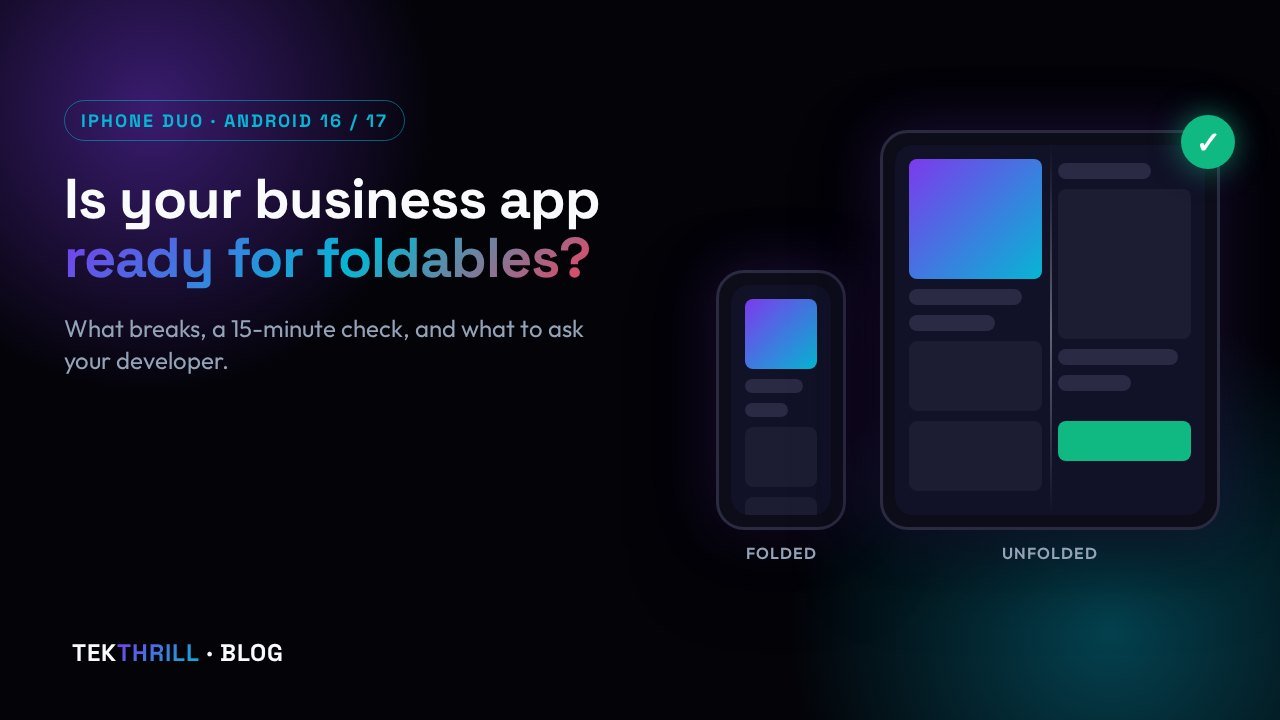
Apple's first foldable iPhone, the iPhone Duo, went on sale in India on October 23. Most of your customers will not buy a ₹3 lakh phone this year. But the iPhone Duo is the clearest sign yet of something app owners can no longer ignore: phones now change shape in people's hands, and both Apple and Google are pushing every app to keep up. If your business has an app, or you are paying someone to build one, here is what changed, what tends to break, and a simple check you can run yourself. Every fact links to its source.
1. What happened this week
On October 22, Apple published a developer round-up showing apps that have been reworked for the iPhone Duo. Netflix, Microsoft Word and Outlook, Zoom, Slack, Salesforce and Instagram's Edits are among them. Apple says the inner display is 50 percent larger than the iPhone 18 Pro Max, and that iPhone now supports Split View, so two apps can sit side by side.
Apple is also adding a "Made for iPhone Duo" badge to App Store product pages for optimised apps, as both The Verge and MacRumors reported. In other words, App Store shoppers will be able to see which apps were built for the new screen and which were not.
A day later the phone reached Indian stores. Hindustan Times reported buyers queuing at Apple's stores on launch day, and Apple's India store lists the 256GB model at ₹2,99,900.
It is also first-generation hardware: some early owners have reported inner screens cracking along the hinge, as MacRumors and Mashable reported on launch day. We explain what is known in this Short:
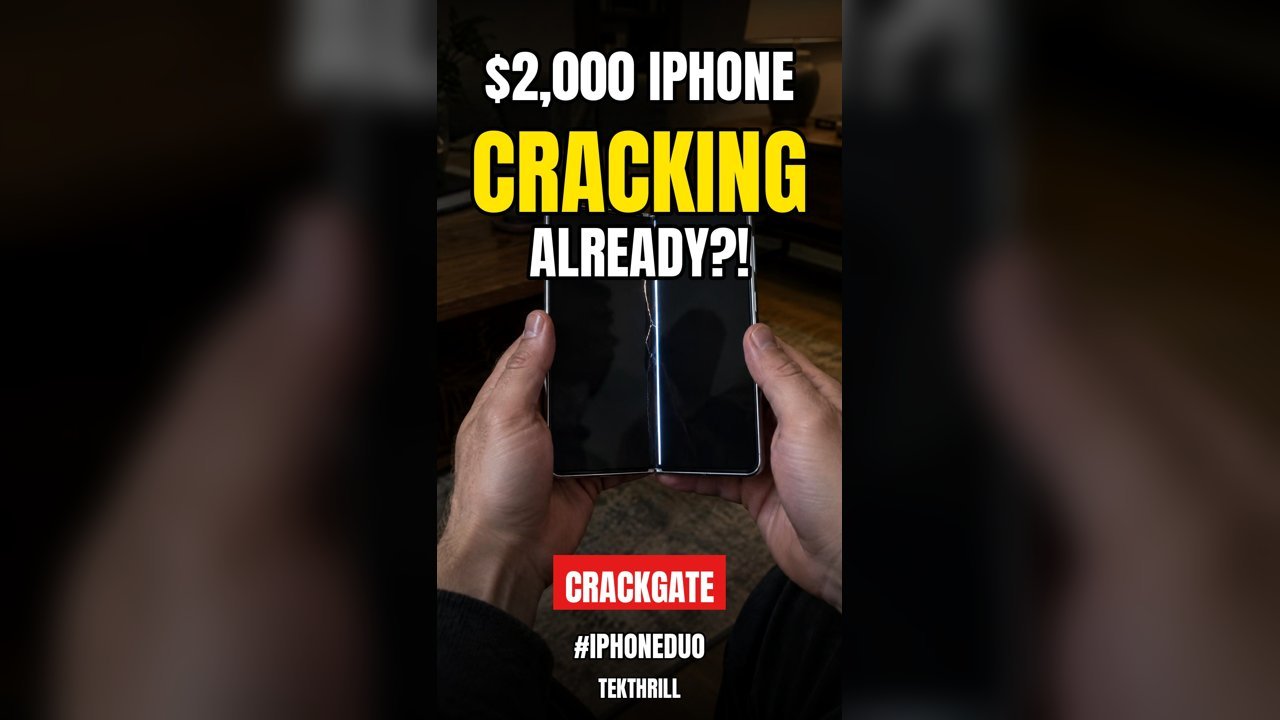
Watch more daily AI and tech news on the TEKTHRILL YouTube channel.
2. Why it matters if your customers use Android
In India, Android ran on about 94% of the phones people used to browse the web in September 2026, according to StatCounter. That is why this matters even if none of your customers buys an iPhone Duo: Google is moving in the same direction, and its rules come with deadlines.
- Android 16 stopped honouring "portrait only" on big screens. According to Android's developer documentation, apps that target Android 16 (API level 36) can no longer lock orientation, resizability or aspect ratio on displays at least 600dp wide, which covers foldables and tablets. Android 16 gave developers a temporary opt-out.
- Android 17 removes that opt-out. Google's Android 17 notes say apps targeting Android 17 fill the whole window on large screens, whatever their orientation settings, with no black bars.
- Google Play enforces the newer target. Since August 31, 2026, new apps and app updates must target Android 16 to be accepted on Google Play, per Play Console Help and the Android Developers site. Developers who needed more time could ask for an extension to November 1, 2026. After that date, every update has to meet the rule.
The device trend points the same way. In an August forecast, IDC said it expects foldables to grow 12.6% this year even as the overall smartphone market falls 16.7%, according to Investing.com and 9to5Mac. Foldables are still a small slice of the market, but your app is now expected to handle big, changing screens on both platforms.
3. What breaks in an older app
Every iPhone app will run on the iPhone Duo. How well it runs depends on how it was built. Apple's iPhone Duo developer page describes three tiers, which MacRumors also summarised:
- Built with the iOS 26 SDK or older: the app sits in the middle of the inner screen with empty space around it. It works, but it looks dated next to competitors.
- Built with the iOS 27 SDK: it fills most of the inner screen.
- Built with the iOS 27.1 SDK or later: it uses the full display and counts as optimised for iPhone Duo.
Apple warns that hardcoded screen sizes, fixed orientations and device assumptions can leave content stretched, clipped or out of place. Its design documentation adds two problems specific to foldables: buttons that land in the fold, where they are hard to see and tap, and toolbars that the system moves to the side of the screen in some poses. Google lists similar problems on Android: stretched layouts, components that slide off-screen, and camera previews that appear stretched, rotated or cropped on foldables.
For a business app, the risky screens are the ones that earn money: product pages, the cart and checkout, booking forms, QR or document scanning, and anything that uses the camera.
4. A 15-minute check you can do yourself
You don't need a ₹3 lakh phone to test. Ask your developer to open the app in the iPhone Duo simulator in Xcode 27.1, which Apple says can open, close, fold and rotate a virtual iPhone Duo, and in a resizable or foldable emulator in Android Studio, then share the screen with you. If you have a friend with any foldable or a tablet, borrow it. Then go through this list:
- Open the app on the small outer screen, start a task, and unfold the phone halfway through. Does it continue where you were?
- Fill half a form, such as an address or booking, then fold or rotate the phone. Is your typing still there?
- Go through checkout or payment in both folded and unfolded mode. Is the Pay button always visible, and never in the crease?
- Open the camera or scanner screen unfolded and in landscape. Is the preview straight and correctly sized?
- Look at your main screens fully open. Do they use the extra space well, or are they just your phone design stretched wide?
If two or more of these fail, plan a fix in your next update instead of waiting for complaints.
5. Buying a new app? Five questions to ask
If you are getting quotes for a new app, these questions show quickly whether a developer is thinking about today's phones:
- Which SDKs will you build with? The answer should include the iOS 27.1 SDK, plus an Android target that meets Google Play's current requirement.
- Will layouts adapt to the screen size, or are they designed for one phone size?
- Will you test on foldable and tablet simulators before delivery, and show me?
- Is keeping up with yearly Android and iOS requirements included in maintenance, and at what cost?
- Which screens will use the larger display, for example a list beside its details?
Agree on all five in writing before you sign. A fix after launch usually costs more than building it right the first time.
6. AI now does part of the fixing
There is good news on cost. Apple's developer page says developers can ask the AI coding assistant in Xcode to "get my app ready for iPhone Duo". A built-in skill then scans the project for the problems above, explains each one and suggests a fix, and it can be exported to other coding agents. Apple is honest that the skill "finds most issues, but not all of them", so a developer still has to review the changes and test them. Even so, it should make the first check of an existing app quicker and cheaper.
The bigger screen also opens room for AI features. Apple's Core AI framework lets apps run AI models entirely on the device, with no server and no per-request token cost. In the October 22 round-up, the video editor Detail said it uses Core AI for captions, filler-word removal and audio enhancement on the iPhone Duo's inner display. For Indian businesses, on-device AI means features like smart search, document reading or voice notes without a monthly cloud AI bill, and customer data stays on the phone. We build our own apps, such as Video Enterprise and PDF & 3D Tools, to process files on your own device for the same reason.
The bottom line
You don't need to rebuild your app for one expensive phone. But the iPhone Duo badge, Android's large-screen rules and the Google Play deadline all ask for the same thing: an app that adapts to any screen. Run the 15-minute check this week. If your app is behind, fix it in your next update, starting with checkout and forms. And if you are buying a new app, make adaptive layouts part of the contract from day one.
Sources
- Apple Newsroom: Developers bring incredible new app experiences to iPhone Duo (Oct 22, 2026)
- The Verge: Apple will label apps that are ‘Made for iPhone Duo’ (Oct 22, 2026)
- MacRumors: Apple Will Label Apps 'Made for iPhone Duo' in App Store (Oct 22, 2026)
- Hindustan Times: Apple iPhone Duo goes on sale in India at ₹2.99 lakh, buyers throng stores on launch day (Oct 23, 2026)
- Apple India: Buy iPhone Duo
- MacRumors: Crackgate? iPhone Duo Owners Report Screens Breaking Along the Hinge (Oct 23, 2026)
- Mashable: iPhone Duo displays are reportedly cracking along the hinge on launch day (Oct 23, 2026)
- StatCounter: Mobile Operating System Market Share in India (September 2026)
- Android Developers: Behavior changes: Apps targeting Android 16 or higher
- Android Developers: Android 17: Restrictions on orientation and resizability are ignored
- Play Console Help: Target API level requirements for Google Play apps
- Android Developers: Meet Google Play's target API level requirement
- Investing.com (via Yahoo Finance): Apple foldable iPhone to ship over 10 million units in first year, IDC estimates (Aug 26, 2026)
- 9to5Mac: Here's how many foldable iPhones IDC expects Apple to ship in one year (Aug 26, 2026)
- Apple Developer: Three steps to make your app shine on iPhone Duo
- Apple Developer Documentation: Preparing your app for iPhone Duo
- Apple Developer: Core AI
Facts are as published by Apple, Google, StatCounter and the outlets above on the dates shown; prices and platform rules change. Checked on October 27, 2026. The cover image is an illustration, not a real device screen.